
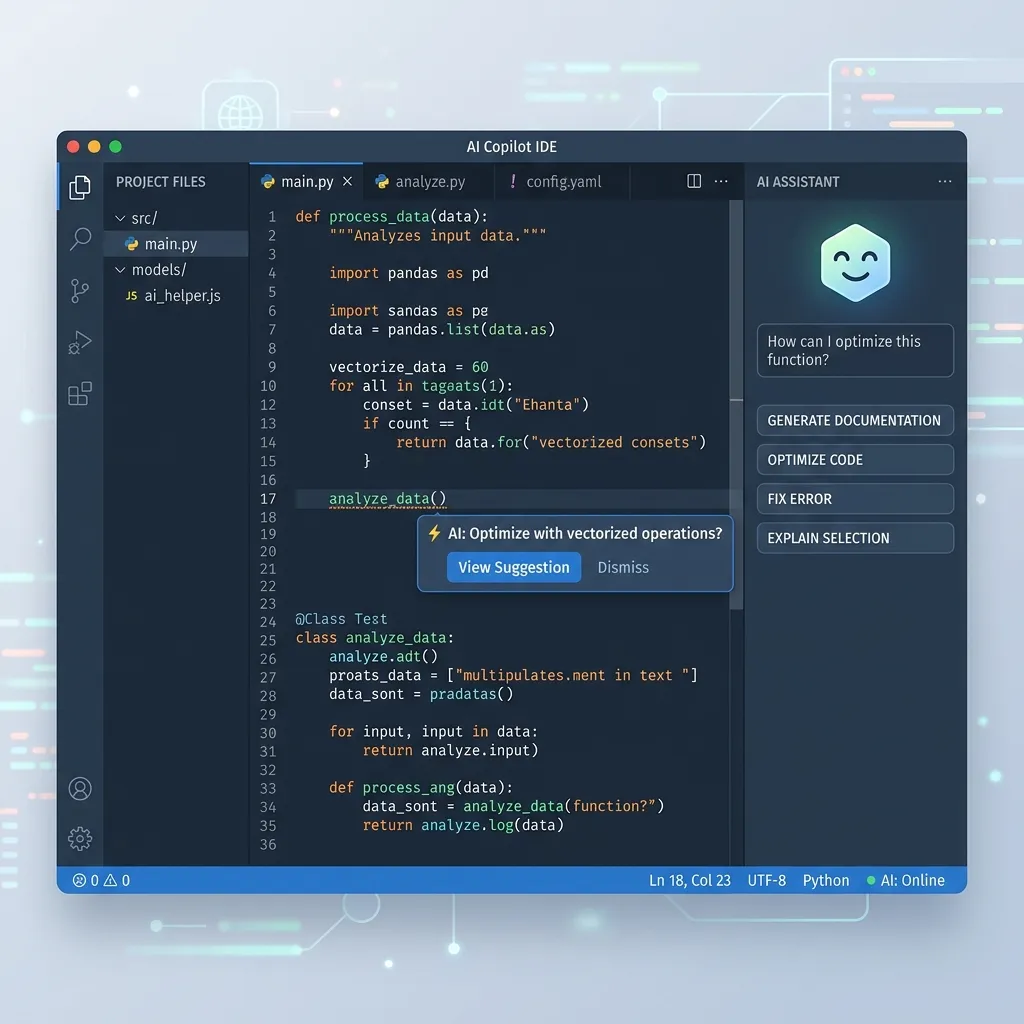
AI coding assistants have become indispensable tools for web developers. In 2026, these tools have evolved from simple autocomplete suggestions to full-fledged agentic systems that can refactor entire codebases, debug complex issues, and generate production-ready code. Here is a comprehensive comparison of the best options available.
What Is an AI Coding Assistant and Why You Need One
An AI coding assistant is an intelligent tool that integrates into your development environment to help you write, debug, refactor, and understand code. Unlike traditional code editors that offer syntax highlighting and basic autocompletion, AI assistants understand the semantics of your code — they know what your functions do, how your classes relate to each other, and what patterns your codebase follows.
The productivity gains are substantial and well-documented. Studies consistently show that developers using AI assistants complete tasks 30-55% faster than those working without AI assistance. For freelance developers billing by project rather than by hour, this translates directly into increased profitability. You can take on more projects, deliver faster, and maintain higher quality simultaneously.
In 2026, the question is no longer whether to use an AI coding assistant — it is which one to use. Each tool has distinct strengths, and the best choice depends on your programming languages, framework preferences, workflow style, and budget.
Cursor — The Context-Aware King
Cursor has established itself as the premier AI-powered code editor for professional developers. Built as a fork of Visual Studio Code, Cursor retains all the extensions, keybindings, and settings you already know while adding revolutionary AI capabilities.
What distinguishes Cursor from competitors is its context awareness. The editor indexes your entire project — every file, every function, every dependency — creating a comprehensive understanding of your codebase architecture. When you ask Cursor to add a new feature or fix a bug, it considers the full context of your project rather than just the current file.
For PHP and WordPress developers, Cursor excels at understanding WordPress hook systems, Laravel service containers, and complex database query builders. It can generate custom WordPress plugins that properly register hooks, create Eloquent models with correct relationships, and refactor legacy PHP code to follow modern patterns.
Cursor's agentic mode takes things further — it can plan multi-step tasks, create and modify multiple files, execute terminal commands, and run tests, all autonomously. You describe what you want in natural language, and Cursor executes the plan step by step.
Pricing: Free tier with limited AI usage, Pro at $20/month, Business at $40/month.
GitHub Copilot — The Reliable Veteran
GitHub Copilot remains the most widely-used AI coding assistant, with over 15 million developers relying on it daily. Its deep integration with VS Code and other JetBrains IDEs makes it the easiest AI tool to adopt without changing your existing workflow.
Copilot's strength lies in its predictive code completion. As you type, Copilot suggests entire functions, code blocks, and even test cases based on the context of your current file and recent edits. The suggestions are generally accurate and save significant typing time for routine coding tasks.
For web developers, Copilot handles HTML, CSS, JavaScript, PHP, and Python with excellent accuracy. Its understanding of popular frameworks like React, Laravel, and WordPress has improved substantially through 2026, with fewer hallucinated API calls and outdated syntax suggestions.
Copilot's latest features include workspace-wide understanding, inline chat for asking questions about your code, and automated PR review capabilities that analyze code changes for bugs, security issues, and style violations.
Pricing: Free for individual developers (limited), Pro at $10/month, Enterprise at $19/month.
Claude Code — Terminal-Native Agentic Coding
anthropic.com/claude" target="_blank" rel="noopener noreferrer">Claude Code takes a fundamentally different approach from IDE-based assistants. It operates entirely in the terminal, functioning as a command-line AI agent that can navigate your filesystem, read and write files, execute commands, and manage Git operations.
This terminal-native approach is particularly powerful for server-side developers who spend significant time working with command-line tools, deployment scripts, and server configurations. Claude Code can set up entire development environments, configure CI/CD pipelines, and debug production issues by analyzing logs and server configurations.
For Laravel developers, Claude Code excels at scaffolding entire applications from natural language descriptions. It can create migrations, models, controllers, routes, middleware, and test files in a single operation, following Laravel conventions precisely. Its understanding of the Laravel ecosystem — including Livewire, Inertia, and Filament — is remarkably thorough.
Pricing: Usage-based with Anthropic API, typically $10-50/month for active development.
Windsurf — The Multi-File Specialist
Windsurf focuses on the agentic workflow — handling complex, multi-file coding tasks that require coordinated changes across your entire project. Where other assistants excel at single-file completions, Windsurf shines when you need to implement features that touch multiple components simultaneously.
Implementing a new API endpoint in Laravel, for example, might require changes to routes, a controller, a form request, a resource transformer, a migration, and tests. Windsurf handles this entire scope in a single operation, maintaining consistency across all files and following your project's existing patterns.
Pricing: Free tier available, Pro at $15/month.
Zed — Performance-Focused with Integrated AI
Zed is the newest contender, built from the ground up for speed. Written in Rust, Zed offers unmatched editor performance — instant startup, zero-lag typing, and smooth scrolling even with massive files. Its integrated AI features include inline completions, code explanations, and refactoring suggestions.
For developers frustrated by VS Code's memory consumption or Cursor's occasional slowdowns, Zed offers a refreshing alternative. Its AI capabilities are less extensive than Cursor's but its raw editing performance makes it ideal for developers who value speed above all else.
Pricing: Free with bring-your-own-API-key for AI features.
Comparison Table
Here is a side-by-side comparison of the key features across all five assistants:
- Best overall: Cursor — the most comprehensive AI coding experience.
- Best value: GitHub Copilot — solid features at $10/month.
- Best for CLI workflows: Claude Code — unmatched terminal integration.
- Best for large refactors: Windsurf — multi-file coordination.
- Best performance: Zed — fastest editor with AI integration.
My Personal Pick for PHP and WordPress Developers
After extensive testing across real client projects, my recommendation for PHP, WordPress, and Laravel developers is Cursor Pro. Its deep context awareness of WordPress theme hierarchies, Laravel service patterns, and PHP idioms makes it the most productive tool for our specific technology stack.
That said, I keep GitHub Copilot active as a secondary assistant for quick inline completions, and I use Claude Code for DevOps tasks like server configuration and deployment automation. The best approach is often combining multiple tools to leverage each one's strengths.
"The AI coding assistant you choose matters less than how effectively you use it. Invest time in learning your chosen tool's advanced features — the productivity gains compound over months of daily use."
Conclusion
AI coding assistants are no longer optional for competitive web developers. They accelerate development, reduce bugs, and free you to focus on the creative and architectural decisions that truly require human judgment. Choose the tool that best fits your workflow, invest time in mastering its capabilities, and watch your productivity transform.