
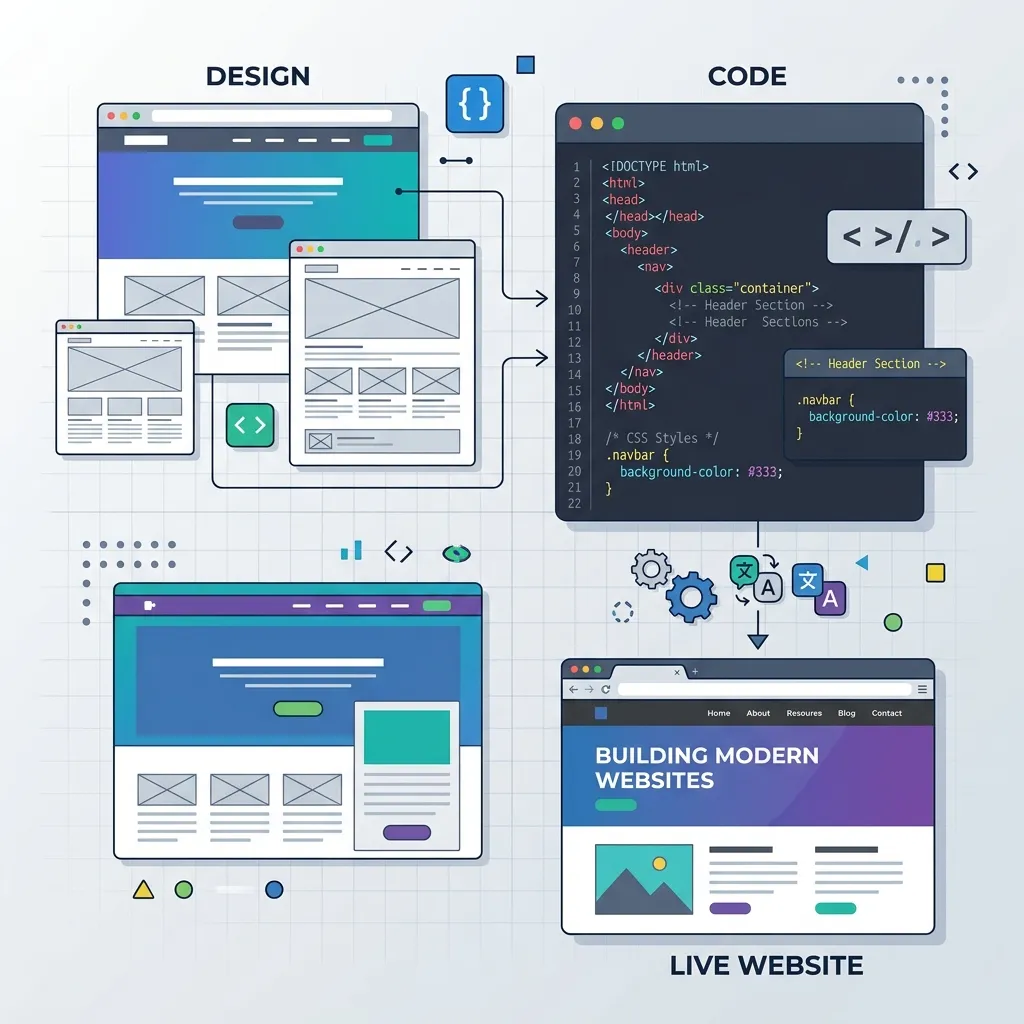
Converting Figma and PSD designs into fully functional WordPress themes has always been one of the most time-intensive tasks in web development. In 2026, AI tools have dramatically accelerated this process, enabling developers to produce pixel-perfect, responsive WordPress themes in a fraction of the traditional timeline.
The Traditional Workflow vs AI-Enhanced Workflow
The traditional Figma-to-WordPress conversion workflow involves several manual steps: exporting design assets, writing HTML structure from scratch, styling each component with CSS, making everything responsive, integrating WordPress template tags, adding ACF fields for dynamic content, and testing across browsers and devices. This process typically takes 40-80 hours for a complete business website.
The AI-enhanced workflow transforms this process dramatically. AI tools can analyze Figma designs, generate semantic HTML structure, produce responsive CSS, and even create the WordPress template files with dynamic content integration. The developer's role shifts from writing boilerplate code to directing AI tools, reviewing output quality, and handling complex integration logic.
With AI assistance, the same website conversion that took 60 hours manually can be completed in 15-25 hours. The time savings come primarily from automated HTML/CSS generation, AI-assisted responsive adjustments, and intelligent WordPress integration suggestions.
Using v0 by Vercel for Component Generation
v0 by Vercel is an AI-powered UI generation tool that transforms text descriptions into polished frontend components. For Figma-to-WordPress workflows, v0 serves as an intermediate step — you describe each section of your design, and v0 generates the HTML and CSS code that closely matches the design intent.
The key to getting excellent results from v0 is providing detailed, specific descriptions. Instead of asking for "a hero section," describe the exact layout: "A hero section with a two-column grid on desktop — left column contains a large heading with gradient text, a subtitle paragraph, two CTA buttons side by side, and a row of tech badges. Right column shows a circular profile image with a gradient border and floating icon badges."
v0 generates clean, semantic HTML with responsive CSS that adapts well to WordPress theme integration. While the output needs adjustment for WordPress-specific elements like dynamic menus and custom fields, it provides an excellent foundation that saves hours of manual coding.
AI-Assisted HTML/CSS from Design Tokens
Modern Figma designs include design tokens — reusable values for colors, typography, spacing, and other visual properties. AI tools can extract these tokens and automatically generate CSS custom properties, Tailwind configurations, or SCSS variables that ensure pixel-perfect consistency between the design file and the coded theme.
Cursor and other AI-powered IDEs can analyze your Figma export or design specifications and generate the CSS foundation for your theme. By providing the design tokens as context, the AI produces consistent styling throughout the theme without manual color-picking or spacing calculations.
/* AI-generated design tokens from Figma export */
:root {
    --color-primary: #0F172A;
    --color-hover: #334155;
    --color-surface: #F8FAFC;
    --color-muted: #64748B;
    --color-border: #E2E8F0;
    --font-sans: 'Inter', sans-serif;
    --font-mono: 'JetBrains Mono', monospace;
    --radius-lg: 1rem;
    --radius-full: 9999px;
    --shadow-card: 0 4px 6px -1px rgb(0 0 0 / 0.1);
}
Integrating with ACF and Dynamic Content
The most critical step in Figma-to-WordPress conversion is making static HTML dynamic. Advanced Custom Fields (ACF) Pro is the standard tool for adding editable content areas to WordPress themes, and AI assistants excel at generating ACF integration code.
Describe your content structure to your AI assistant — "The services section has a repeater field with each service containing an icon class, title, description, and a list of deliverables" — and the AI generates both the ACF field group registration PHP code and the template code that displays the dynamic content.
AI tools understand the full range of ACF field types — text, WYSIWYG, image, gallery, repeater, flexible content, relationship, and more. They generate the correct get_field() calls with proper null checks and fallback values, ensuring the theme handles empty fields gracefully.
Responsive Testing with AI Tools
Ensuring responsive behavior across all screen sizes is one of the most time-consuming aspects of design-to-code conversion. AI tools accelerate this process by analyzing your desktop layout and suggesting responsive breakpoints, flexbox/grid adjustments, and mobile-specific modifications.
Cursor can refactor desktop-first CSS into mobile-responsive layouts by analyzing the design structure and applying appropriate media queries. For complex layouts with grid systems, the AI understands how to collapse multi-column grids into single-column mobile layouts while maintaining visual hierarchy and content flow.
After AI generates the responsive code, visual regression testing tools verify pixel-perfect accuracy across screen sizes. Automated screenshot comparisons between the Figma design and the coded implementation highlight discrepancies that need manual adjustment.
Quality Assurance: The Pixel-Perfect Checklist
Even with AI assistance, thorough quality assurance is essential for professional Figma-to-WordPress conversions. Use this checklist to validate your AI-generated output:
- Typography: Verify font families, weights, sizes, line heights, and letter spacing match the Figma specifications exactly.
- Spacing: Check margins, padding, and gaps between elements. AI sometimes approximates spacing — verify against design specs.
- Colors: Confirm all colors match the design tokens. Check hover states, active states, and focus indicators.
- Images: Ensure images maintain correct aspect ratios, object-fit properties, and responsive sizing behavior.
- Animations: Implement hover effects, transitions, and scroll animations as specified in the design.
- Cross-Browser: Test in Chrome, Firefox, Safari, and Edge. Pay special attention to CSS backdrop-filter support and flexbox gap behavior.
- Accessibility: Verify keyboard navigation, screen reader compatibility, color contrast ratios, and focus indicators.
When to Hire a Developer vs Use AI Alone
AI tools have made basic design-to-code conversion accessible to designers and non-developers. However, professional WordPress conversions still benefit enormously from human developer expertise. Here are the scenarios where hiring a professional developer is essential:
Complex dynamic functionality — custom post types, advanced filtering, search functionality, user dashboards, and e-commerce integrations require development expertise that AI tools alone cannot reliably deliver. Performance optimization, security hardening, and SEO implementation also benefit from experienced human oversight.
For simple brochure websites with static content, AI tools may suffice. But for business-critical sites where performance, security, and reliability matter, partnering with an experienced WordPress developer who leverages AI tools delivers the best results — combining AI speed with human quality assurance.
"AI has not eliminated the need for skilled WordPress developers — it has made skilled developers dramatically more productive. The best conversions happen when human expertise directs AI efficiency."
Conclusion
Figma-to-WordPress conversion in 2026 is faster, more accurate, and more accessible than ever thanks to AI tools. Whether you are a designer looking to bring your own designs to life or a developer seeking to accelerate your workflow, AI-assisted conversion delivers professional results in significantly less time. The key is understanding which parts of the process AI handles well and where human expertise remains essential.