
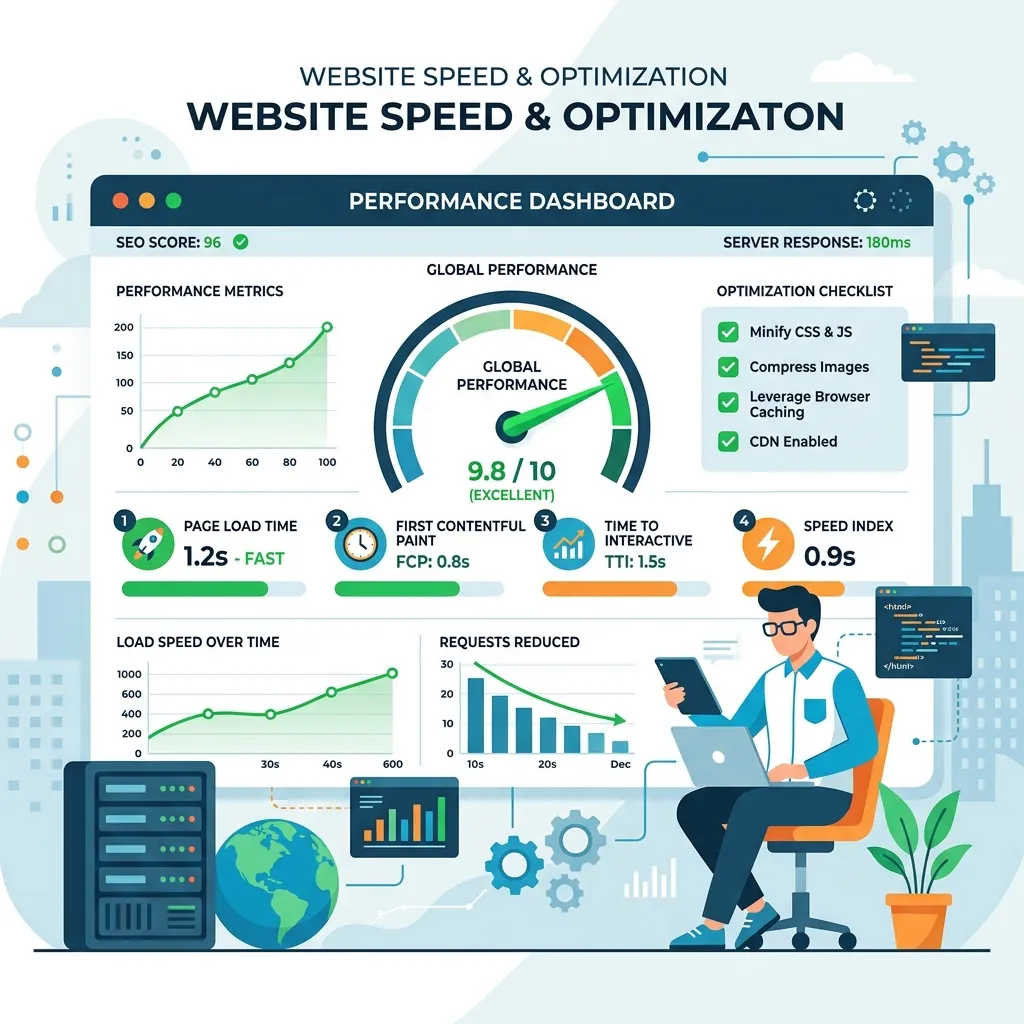
WordPress site speed is no longer just a user experience concern — it is a direct ranking factor that impacts your search visibility, conversion rates, and revenue. In 2026, AI-powered optimization tools have made achieving 90+ Core Web Vitals scores more accessible than ever, even for complex WordPress sites with heavy content.
Why Speed Matters More Than Ever in 2026
Google has made page speed a critical ranking signal, and the standards are only getting stricter. Sites that fail Core Web Vitals assessments see measurable declines in search rankings, while fast-loading sites enjoy visibility boosts. For e-commerce stores, every 100-millisecond delay in page load time reduces conversion rates by up to 7%.
The challenge with WordPress is its plugin-heavy architecture. A typical business WordPress site runs 20-40 plugins, each adding CSS files, JavaScript libraries, and database queries. Without optimization, this accumulation of resources creates performance bottlenecks that frustrate users and hurt search rankings.
AI optimization tools address this challenge by intelligently analyzing your site's resource usage and applying targeted optimizations. Unlike manual optimization, which requires deep technical knowledge and hours of testing, AI tools automate the process while making smarter decisions about what to optimize and how.
AI Image Optimization: WebP and AVIF Auto-Conversion
Images are typically the largest contributors to page weight on WordPress sites. A single unoptimized hero image can add several megabytes to your page load, pushing load times well beyond acceptable thresholds. AI image optimization goes far beyond simple compression.
Modern AI-powered image plugins analyze each image to determine the optimal compression level, format, and dimensions for its specific use case. A product photo might be served as a high-quality WebP, while a decorative background might be aggressively compressed as AVIF with minimal visual impact. The AI makes these decisions automatically based on image content, position on the page, and device capabilities.
Tools like ShortPixel AI and Imagify use machine learning to identify the compression sweet spot — maximum file size reduction with minimum visual quality loss. They also generate responsive image variants automatically, ensuring mobile devices receive appropriately-sized images rather than desktop-resolution files.
Implementing AI image optimization is straightforward. Install the plugin, configure your quality preferences, and let the AI process your entire media library in the background. New images are optimized automatically on upload, ensuring consistent performance without ongoing manual effort.
Smart Caching with AI Predictive Prefetch
Traditional caching plugins store static versions of your pages and serve them to visitors without regenerating the page on each request. AI-enhanced caching takes this concept further with predictive prefetching and intelligent cache management.
AI predictive prefetch analyzes visitor behavior patterns to determine which pages a visitor is likely to navigate to next. When a visitor lands on your homepage, the AI predicts they will likely visit your services page or portfolio page next, and preloads those pages in the background. When the visitor clicks, the page appears instantly because it was already loaded.
Smart cache invalidation is equally important. Traditional caching often requires manual cache clearing when content changes, leading to stale content or unnecessary cache rebuilds. AI-powered caching systems monitor content changes in real-time and invalidate only the specific cached pages affected by each change, maintaining fresh content while preserving cache efficiency.
AI-Powered Code Minification and Critical CSS
Render-blocking CSS and JavaScript are among the most common performance issues on WordPress sites. Every plugin and theme adds its own stylesheets and scripts, many of which are loaded on pages where they are not needed. AI optimization identifies and eliminates this bloat.
AI-powered critical CSS generation analyzes each page of your site to determine which CSS rules are needed for above-the-fold rendering. These critical rules are inlined in the page header, while remaining styles are deferred to load asynchronously. This eliminates render-blocking CSS without breaking your site's appearance.
For JavaScript, AI tools analyze dependency chains, execution timing, and user interaction patterns to determine optimal loading strategies. Non-essential scripts are deferred or loaded only when needed — for example, loading a chat widget script only when the visitor scrolls to the footer, or loading a payment processing script only on checkout pages.
<!-- AI-generated critical CSS inline -->
<style id="critical-css">
  /* Only above-the-fold styles */
  .hero { display: flex; min-height: 90vh; }
  .nav { position: fixed; backdrop-filter: blur(20px); }
</style>

<!-- Remaining CSS loaded asynchronously -->
<link rel="preload" href="/style.css" as="style" onload="this.onload=null;this.rel='stylesheet'">
Hosting Choices for AI-Optimized WordPress
Your hosting environment forms the foundation of your site's performance. No amount of plugin optimization can compensate for slow server hardware or poorly configured infrastructure. In 2026, the hosting landscape offers several options optimized for AI-enhanced WordPress sites.
Managed WordPress hosting from providers like Cloudways, Kinsta, and WP Engine offers server-level optimizations specifically tuned for WordPress — including Redis object caching, PHP opcache, HTTP/3 support, and edge CDN integration. These optimizations complement your AI plugin stack, delivering sub-second load times consistently.
For high-traffic sites, consider edge computing solutions that serve WordPress pages from CDN edge locations worldwide. Combined with AI-powered static page generation, this approach delivers near-instant page loads regardless of the visitor's geographic location.
Testing with Lighthouse and PageSpeed Insights
After implementing AI optimizations, rigorous testing validates the improvements and identifies remaining bottlenecks. Google Lighthouse, available in Chrome DevTools and as a CI/CD integration, provides comprehensive performance, accessibility, and SEO audits.
Run Lighthouse tests before and after each optimization to quantify the impact. Document the results — showing clients concrete performance improvements from specific optimizations builds trust and demonstrates the value of professional development.
PageSpeed Insights provides field data from real Chrome users visiting your site, complementing Lighthouse's lab-based testing. Field data reveals actual user experience metrics that lab tests might miss, such as performance variations across different devices and network conditions.
Before and After: Real Case Study
On a recent client project — a WooCommerce store with 500+ products and 30 active plugins — implementing AI-powered optimizations transformed the site's performance metrics dramatically:
- LCP (Largest Contentful Paint): Reduced from 5.2 seconds to 1.8 seconds — a 65% improvement.
- Total Page Weight: Reduced from 4.2 MB to 890 KB — a 79% reduction.
- Number of HTTP Requests: Reduced from 87 to 23 — a 74% reduction.
- PageSpeed Score: Improved from 34 (mobile) to 92 (mobile).
- Conversion Rate Impact: Increased from 1.8% to 2.9% within 30 days.
These improvements were achieved through AI image optimization, critical CSS generation, smart JavaScript deferral, and predictive caching — all implemented through AI-powered plugins without modifying theme code.
"Speed optimization is the highest ROI investment you can make on any WordPress site. It improves SEO, conversions, and user satisfaction simultaneously."
Conclusion
AI has democratized WordPress performance optimization. Tasks that previously required deep server administration knowledge and hours of manual configuration can now be handled by intelligent plugins that make optimal decisions automatically. Whether you are running a personal blog or a high-traffic e-commerce store, AI optimization tools can help you achieve the 90+ Core Web Vitals scores that modern search engines demand.